Although Google Colab allows us to connect to a GitHub account, this integration is limited to opening notebook files. It does not support cloning repositories directly through the linked account.
In this post, we will create a GitHub Personal Access Token and store it in Google Colab Secrets. We will then retrieve the token from the Secret Manager and use it to clone a repository securely.
Step 1: In GitHub setting, creating a Personal Access Token
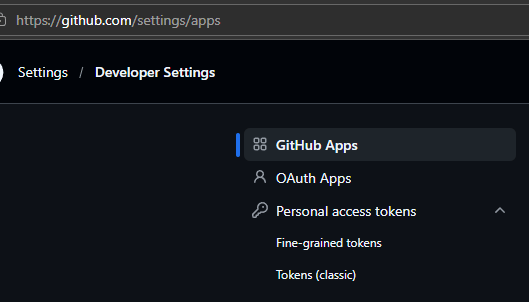
Managing your personal access tokens – GitHub Docs
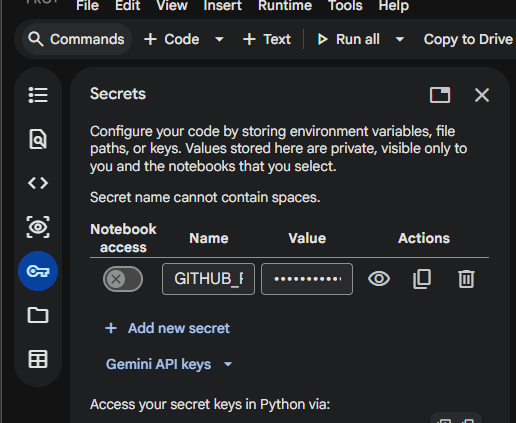
Step 2: In Google Colab, creating Secrets
Step 3: Clone the source code
from google.colab import userdataCODE_DIR = "./src"gh_account = "youraccount"gh_repo = "repositoryname"gh_branch = "main"gb_clone_url = "https://{userdata.get('GITHUB_PAS')}@github.com/{gh_account}/{gh_repo}.git"get_ipython().system(f'git clone --depth 1 --branch "{gh_branch}" "{gb_clone_url}" "{CODE_DIR}"')
Step 4: Done





 Hung Doan
Leave a comment